
How to Use Your New Website: A Simple Guide for Business Owners
Just launched a website? Here's how to actually use it day-to-day — no technical skills required.
Founder & Principal Technologist
A common fear business owners have before getting a website is: "Will I actually be able to manage it myself?" With modern websites built on an admin panel (CMS), the answer is yes — no coding required. Here's what day-to-day use actually looks like.
1. Your Admin Panel Is Your Control Center
Instead of editing code, you log into a simple dashboard where you can update text, swap photos, add blog posts, and check messages from customers — similar to using an app on your phone.
2. Checking Customer Enquiries
Every contact form, booking, or order submitted through your website lands in one place in your admin panel, so you never miss a lead. Many systems also send you an instant email or WhatsApp notification.
3. Updating Content Without a Developer
Changing your opening hours, adding a new menu item, updating prices, or publishing a promotion should take minutes, not days — no need to wait on a developer for routine updates.
4. Understanding Your Traffic
Most websites come connected to analytics showing how many people visited, which pages they viewed, and where they came from. You don't need to be a data analyst — a simple monthly glance tells you what's working.
5. When to Call Your Developer
Routine content updates you can do yourself. Bigger changes — a new page, a design change, a new feature — are usually best left to your developer, especially if it touches the site's structure or code.
The Bottom Line
A well-built website should feel as easy to use as a phone app for everyday updates. If it doesn't, that's a sign it wasn't built with usability in mind — and that's something worth fixing.
"
Found this useful? Share it with founders and engineering leaders.
Ready to implement these technical standards in your business?
Connect directly with our senior engineering and growth team on WhatsApp for an immediate consultation and bespoke digital roadmap.
Related Reading & Insights:
View all →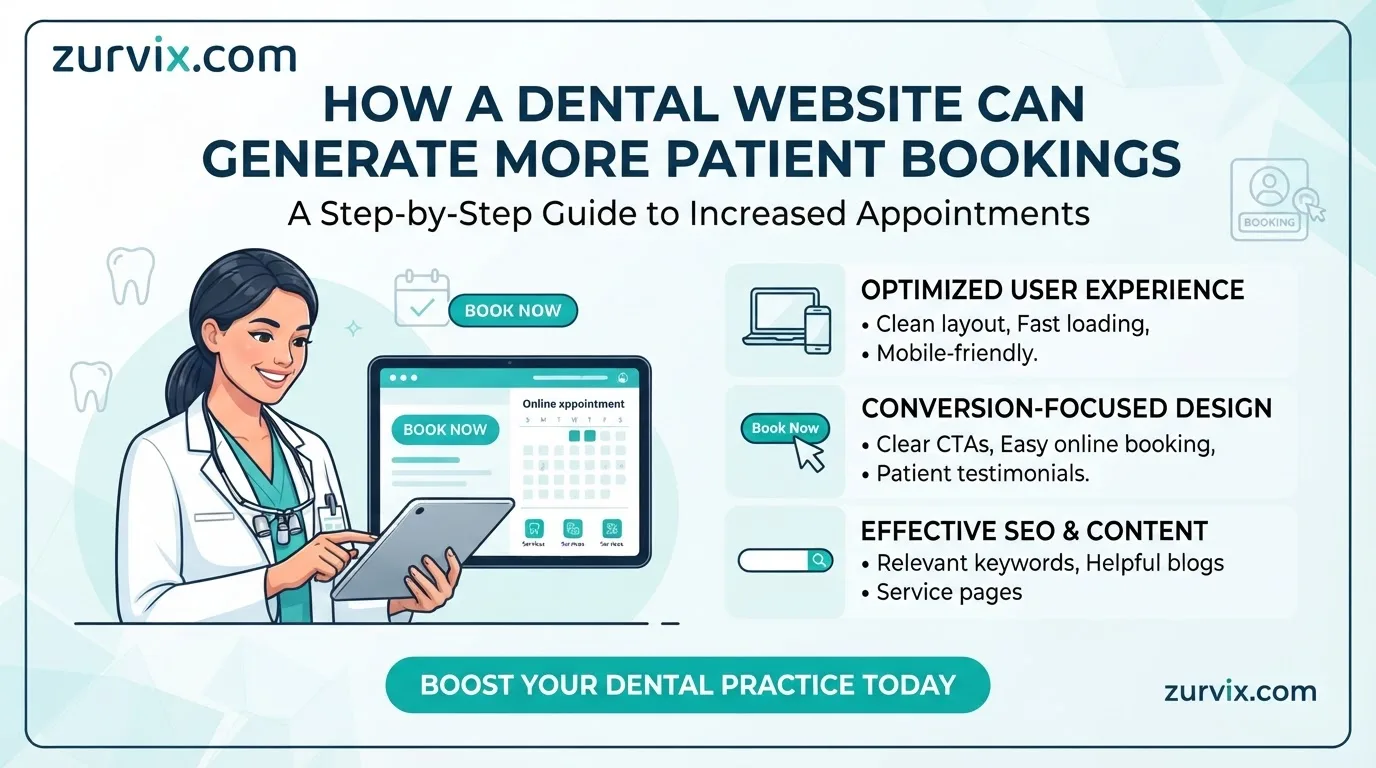
How a Dental Website Can Generate More Patient Bookings
Learn how dental websites can build patient trust, improve online booking and support SEO-driven patient acquisition.
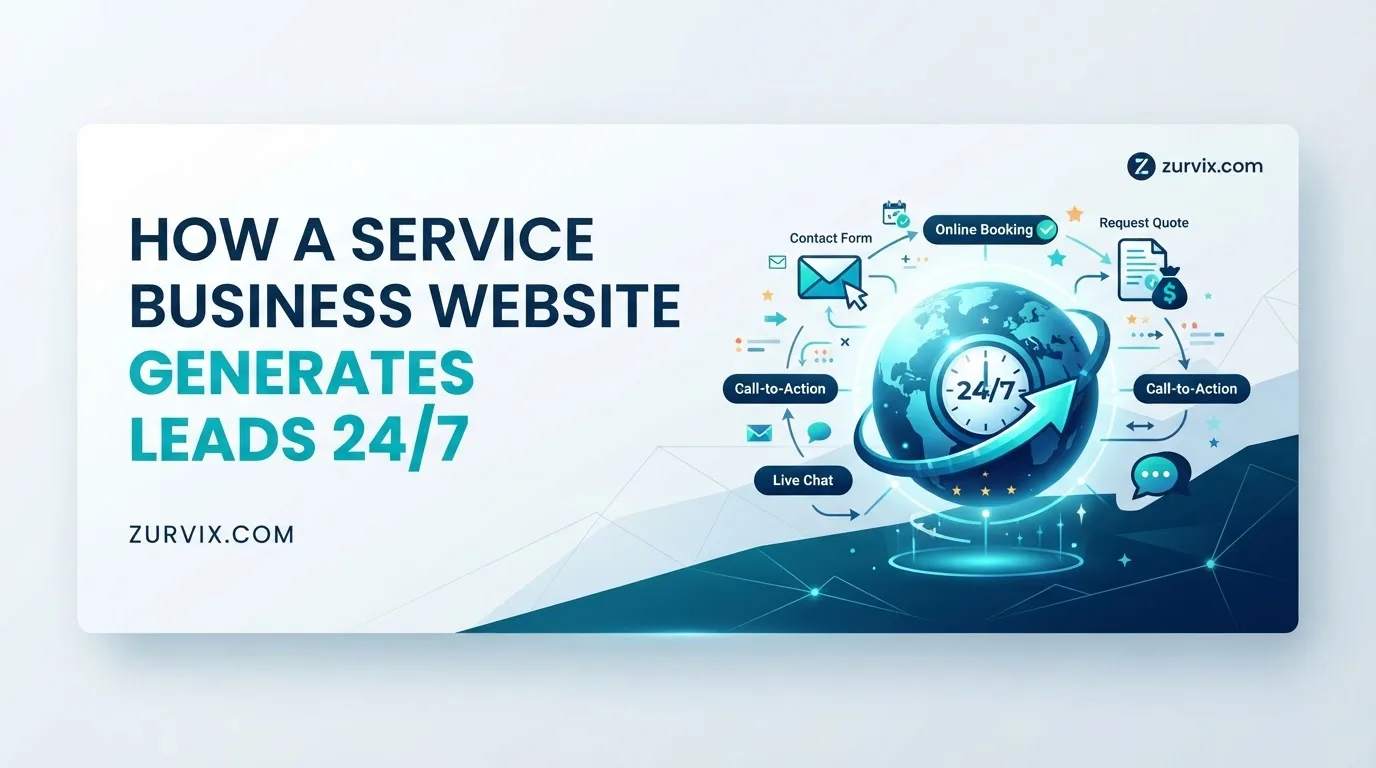
How a Service Business Website Generates Leads 24/7
Discover how service businesses can use websites, SEO and conversion-focused design to generate qualified leads around the clock.